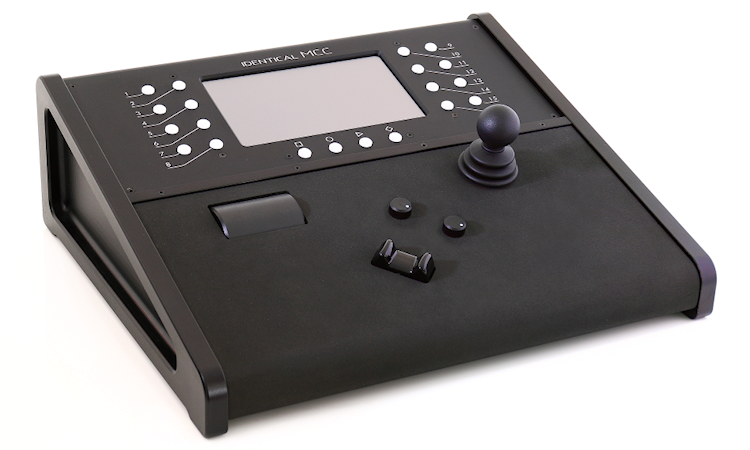
The Motion Control Centre is the brains of the system.
Its automatic detection and configuration features do all the hard work – just plug-in, load your control customisations, and you’re ready to go live.
Compatible with heads made by other manufacturers
The MCC is able to connect to and control remote heads made by other manufacturers.
Standard Ethernet network connectivity
Linking many heads and controllers is easy, they simply connect together over a standard network, with standard network cables. One controller can operate many heads. Also, many controllers can operate one head and many controllers can operate many heads. Controllers and heads can be in the same “group” working together via one “master” controller or they can be separated into different groups making them independent from each other while still sharing the same network.
Smooth and responsive ergonomic controls
The joystick and other controls are all high resolution devices with responsive handling. The command signal sent to the head is processed and transmitted within a few milliseconds and updated faster than standard frame rates, so you see a response instantly. Controls are arranged for maximum user comfort, their sensitivity and travel can be adjusted so user fatigue is easily avoided.
Touchscreen with Graphical User Interface
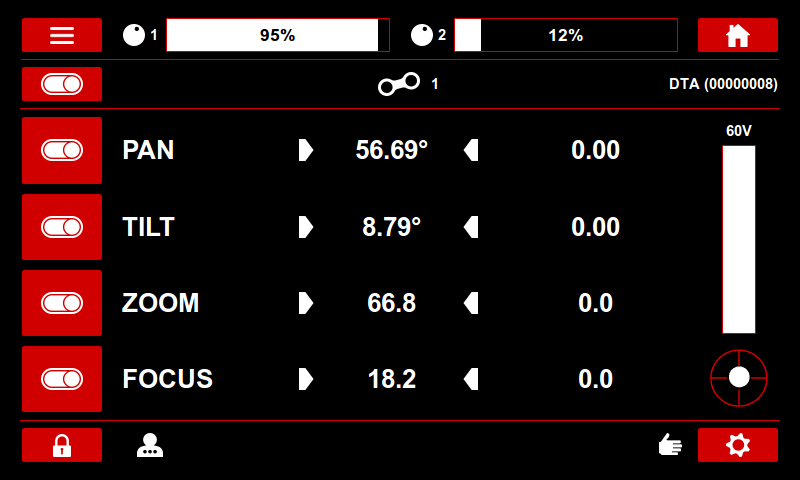
All the features of the controller can be accessed through the large 7 inch touch-screen display. Navigating through the tabbed interface is simple, tabs are always visible and change colour when active, so you always know exactly where you are and cannot get buried in menus. The interface resembles those we are familiar with on a mobile phone or internet browser. There are on-off sliders, toggle buttons, and drop down menus. The home screen of the controller is similar to a car dash-board display, it shows the position of the axes (pan/tilt/zoom/focus etc) of your currently selected head, as well as the axis speeds when the head is moving. Indicator symbols tell you the state of features such as soft-limits and user access level etc.
Smart soft limits
With slip-rings, the pan and tilt can rotate an infinite number of times, (standard) soft-limits only allow the head to rotate within a chosen range, for example to prevent the lens hitting an object. Smart-soft-limits are used to limit the field of view, independent of the zoom level, so unsightly objects (e.g. fences) are always kept out of shot. The user simply sets two smart-soft-limits, one when fully wide and one when fully zoomed in. The head will then automatically pan to compensate for the zoom level.
Shotbox Position Presets
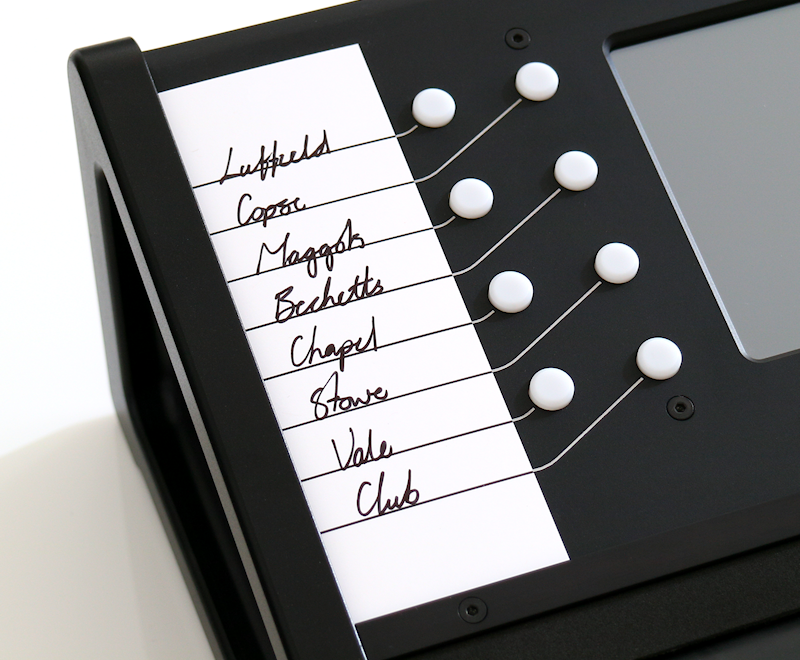
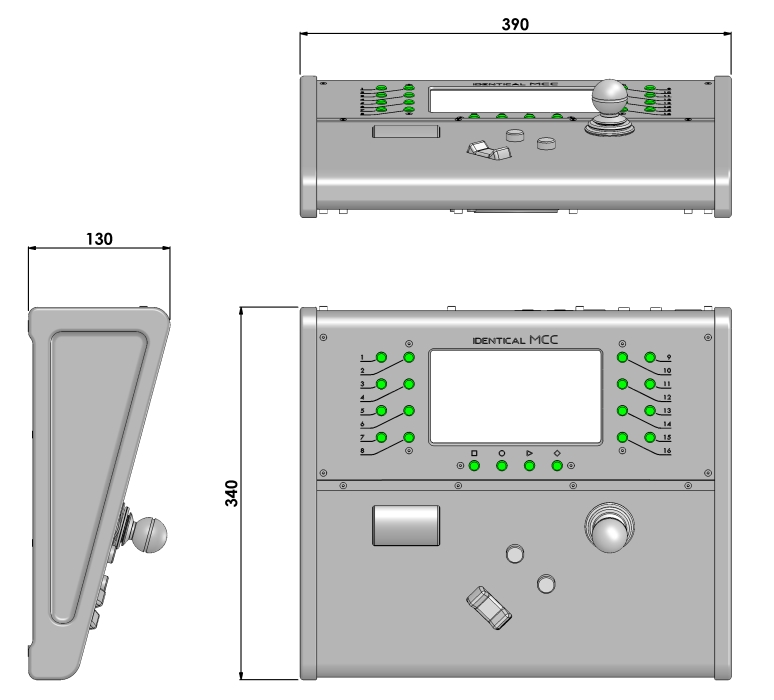
The controller employs a very flexible shotbox system. Up to 16 positions can be stored, one for each button (buttons can also be assigned to non-shotbox functions). If you prefer to have manual control of, for example, focus, while moving from one shot to another, you can switch shotbox off for that axis. If you are controlling several heads from one controller, each has its own shotbox.
Zoom Related Scaling (ZRS)
The joystick sensitivity can vary in proportion to the zoom level, giving automatic fine motion control when tight in.
Supports Virtual Graphics
Highly accurate head position data can be streamed from the Motion Control Centre. The position data can be output in a range of formats e.g. Free-D. The accuracy and timing of the position data make it suitable for third party virtual graphics software.
VOIP
A headset can be plugged into the controller, allowing the operator to talk to production or engineering. The controller acts as a SIP phone so it will integrate with standard VoIP networks. A pair of simple push to talk buttons can be assigned to allow the operator to open communications as required.
Export settings to memory stick
All of your settings can be saved, retrieved and easily organised on a USB memory stick. For example, if you have a certain arrangement of heads, laid out at a certain location, all with different speeds, soft-limits and operator styles, all this information can be saved, and instantly reloaded next time you set-up there. If the arrangement of the heads gets shuffled you can easily re-assign them so the correct settings are applied for that location and/or operator.
Software Updates
We will occasionally release updates for our products. Updates will contain improvements, new features and additional lens communication protocols. All updates are done through the MCC controller, just connect the controller to the internet and select ‘update’ from the software update screen. Updates to the software on the head will be performed automatically if the head is plugged in. If it is not then the controller will prompt you to update the head software when it is next plugged in. The update file can also be stored on a USB memory stick for off-line updates.
Automatic Calibration
When using external lens motors, the controller automatically finds the ends of travel of the lens mechanism. If required, soft-limits can be set-up to limit the travel to within a useful range. The speed and acceleration of these axes can also be adjusted as with pan and tilt.
Powering the Head
The controller can supply power directly to the head at 60V, so if the controller is near the head you can use the controller for power. If the controller is more than 20m from the head it is best to use the PSU and place it close to the head, so voltage is not lost over a long cable run.
Peli cases
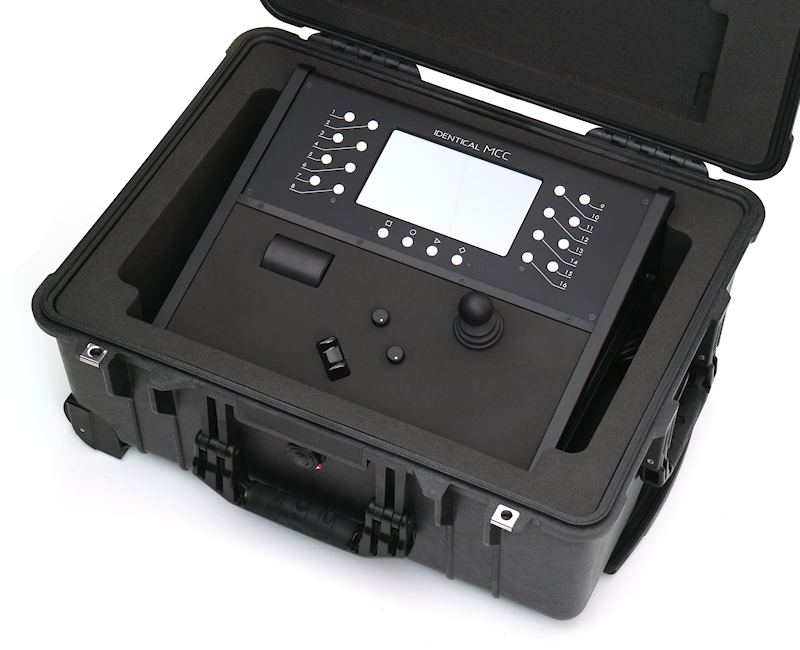
Our products can optionally be supplied in tough Peli cases fitted with custom cut foam to securely and tidily store and transport your equipment.